Have You Ever Seen a Three-legged Dog?
The kids were mesmerized (and frightened) by a sighting of a three-legged dog on a hike up the Makapuu Lighthouse trail.
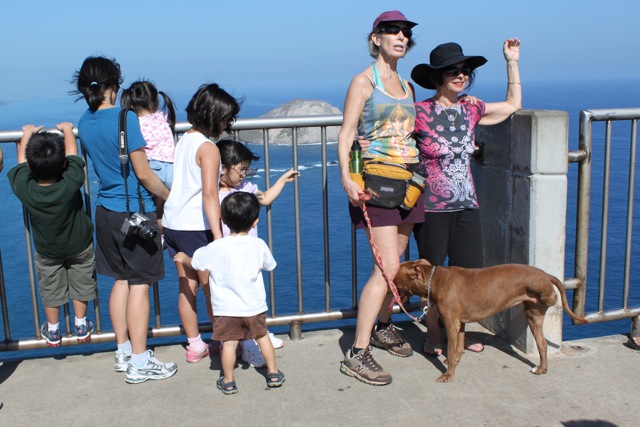
Props to the pooch for making it up the trail missing one appendage.
The kids were mesmerized (and frightened) by a sighting of a three-legged dog on a hike up the Makapuu Lighthouse trail.
Props to the pooch for making it up the trail missing one appendage.

After 72 runs and 209 miles, I think it’s time to replace my Nike Structure Triax+ 12 running shoes. These shoes were great but have recently started to feel soft and spongy like it’s not providing firm support or adequate cushioning. Maybe I’ll get another pair.
Or maybe I’ll take a look at the Lunarglides or Air Max 2009.
What can President Barack Obama do in Hawaii as he and his family takes some time off to recharge on the Windward side of Oahu? Let’s see…
1. Relax with time off. Since the President is going to be resting and relaxing while in Hawaii, it’s only fair that his faithful civil servants do the same. How about showing Federal employees some love and giving them time off this Holiday season? Oh snap, he already did!
 2. Get a shave ice fix. Even though it’s a little chilly for Hawaii standards, the Commander in Chief can partake of shave ice whenever he wants. Just as a Force Protection issue, however, I recommend changing up his routine and going somewhere other than Island Snow for a shave ice fix. How about the traveling shave ice van, Tats? Heck, Tats could even drive to the President’s Kailua location.
 3. Bodyboard with peace. The last time Barack Obama vacationed in Hawaii, he bodysurfed at Sandy’s. Why not go back and see if he still got it? He might need a handboard to help catch a wave and of course, the President can’t use a brown McDonald’s tray. He needs something cooler. How about a large replica of his Nobel Peace Prize? That would be killer!
4. Petition for an appearance on LOST. Even though LOST production is over for the holidays, I’m sure the Prez can contact the right people. He’d be a fan favorite with a cameo on the final season of this hit series.
5. Check out local technology advances. Did you know it now snows in Windward Mall? If that’s not a technological advancement then I don’t know what is.
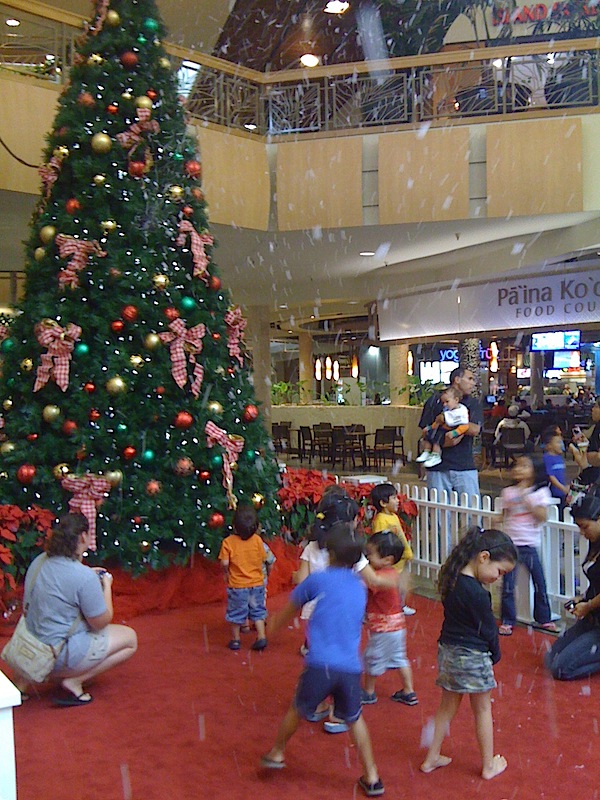
6. Reminisce at Windward Mall. The Paina Koolau Food Court is now open and over the decades, there have been so many changes. President Obama should take a stroll through the Mall and reminisce the original tenants like JC Penneys, Marie Callender’s, and the other forgottens.
7. Golf with high school rivals. I don’t know if Honolulu Mayor Mufi Hannemann golfs, but maybe this Iolani grad can go for a round of golf against the Punahou alum. But then again, the President could enlist the help of another fellow Buffanblu who happens to be in town.
8. Provide strategic advice. With the inevitable Froyo Wars looming, the President could administer strategic advice to the participants on how to win this war.
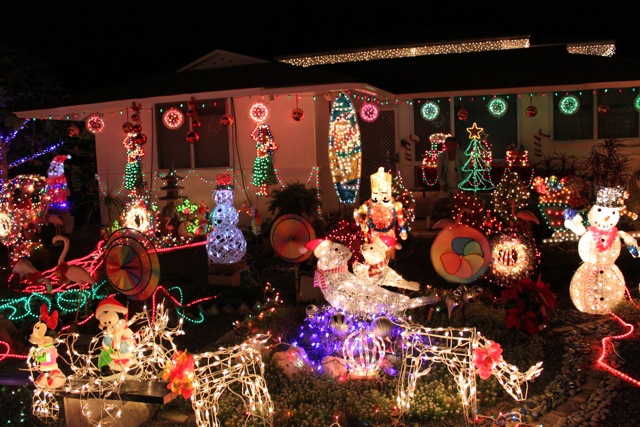
9. Light-seeing in Kaneohe. The Nation’s Capital is surely decorated for Christmas, but can it beat Namoku Street in Kaneohe? This neighborhood goes all out each year with its Christmas lights and decorations. Santa’s even there passing out candy canes… but only if you’re on his Nice list.
10. Eat at Kin Wah Chop Suey. With all these activities, the President and his family will be hungry. To demonstrate frugal restraint in this austere economy, the President should forgo the lavishness of Alan Wong’s, Mariposa, and the Kahala Resort.

Affordable, good food can be found at Kin Wah Chop Suey in Kaneohe. I recommend the minute chicken cake noodle, and for his on-island friends, why not visit with Kin Wah gift certificates in hand? Yes, President Obama can emblazon the Presidential seal to the gift certificates.
There you go, Pulpconnection’s top things President Obama can do on his Hawaiian vacation. What are your Windward-side recommendations for President Obama and his family?
A bah humbug to pass along this Christmas. You ever seen a Pyrex baking pan crack right down the middle? Now you have…
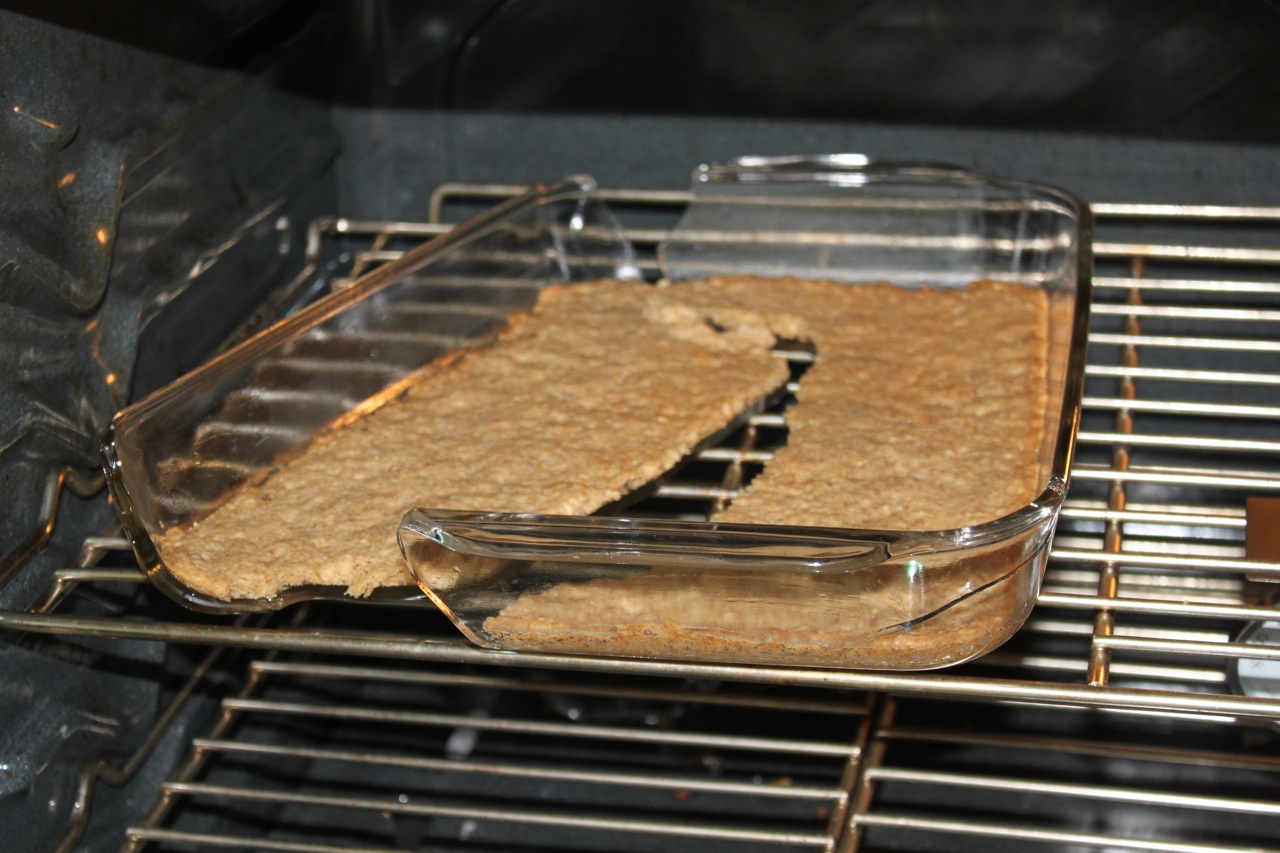
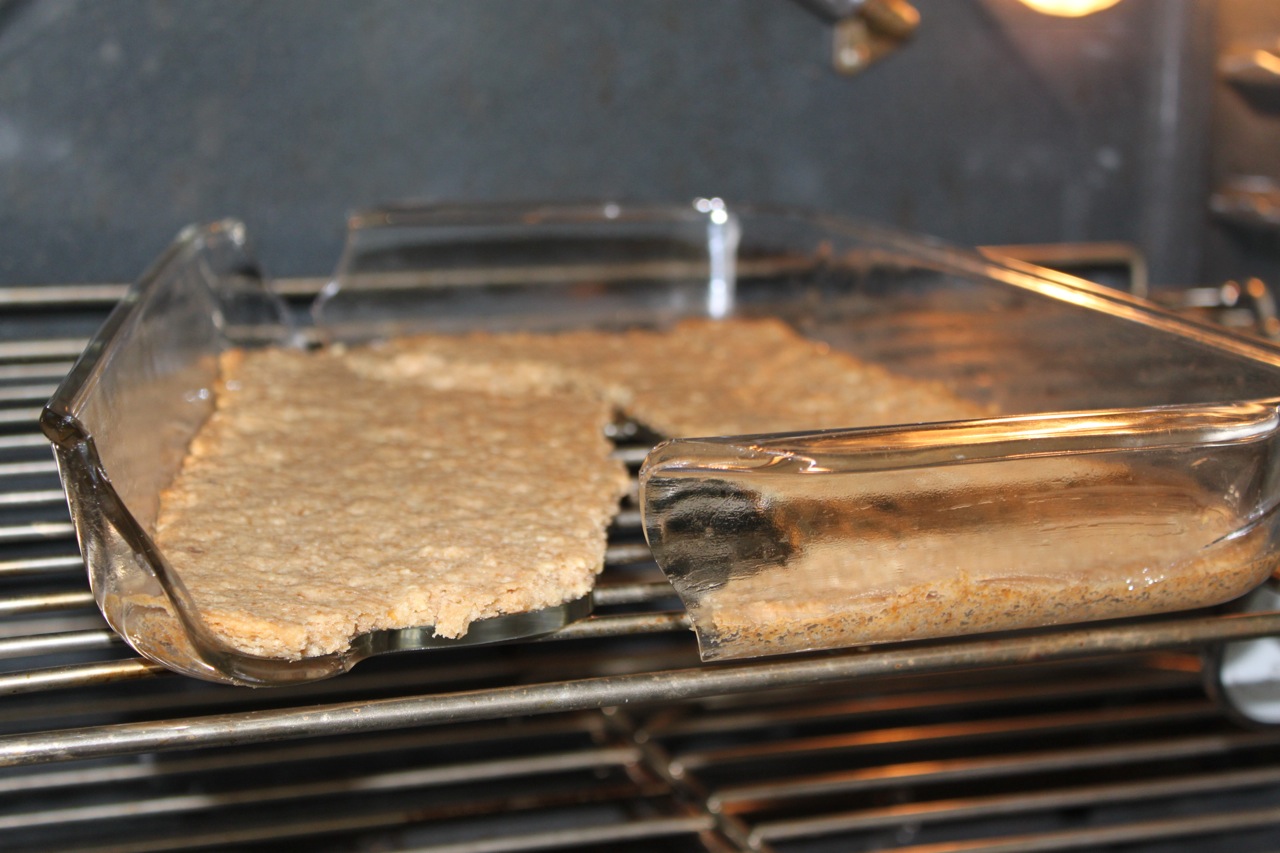
This is a 9×13 baking dish that we’ve had for awhile. No problems until yesterday when a dessert crust went kaput and the Pyrex dish more or less cleaved in half. There was a noise in the oven and when we went to pull out the dish, it simply broke apart. Luckily it didn’t shatter into too many pieces. There were some shards of glass, but it could’ve be worse with stories and complaints about exploding Pyrex products.
Some general observations to round out my review of a Hackintoshed Dell Inspiron Mini 10v.
I wouldn’t consider this Netbook a multitasking machine. Sure, it can run several apps simultaneously, it’s just that I wouldn’t. The Netbook is built for the convenience of portability, not performance. So take it nice and easy.
The Dell Mini 10v actually looks decent. While it’s not an art masterpiece like Apple products, it doesn’t look cheap or cheesy. The black obsidian and silver combination is appealing, but the glossy top does show fingerprints too easily.
One irritation I have is you need two hands to open the Mini 10v when closed. I’m used to needing one hand to open up the screen, but since the Netbook is so light, you need one hand to hold the bottom of the 10v while the other hand props up the screen.
I haven’t upgraded to the latest version of Snow Leopard, 10.6.2. There were previous incompatibilities with Netbooks so I stayed at 10.6.1. I think the incompatibilities have been resolved though.
MobileMe works fine. I can access my iDisk and sync information which is a great and hassle-free way to copy needed information.
Startup time takes about 80 seconds and shutdowns are blazingly quick at about 5 to 15 seconds.
While video performance is acceptable for everyday tasks, the integrated graphics processor isn’t powerful enough for HD tasks. Watching HD content on YouTube is too choppy to be watchable. The standard definition versions playback well enough but not the HD renderings (I used the DWTS performance of Derek Hough and Joanna Krupa dancing a futuristic paso doble as a reference movie). And this is with the beta version of Adobe Flash 10.1 with hardware acceleration specifically for Netbooks.
So the obvious observation is to manage your expectations from a Netbook, and you won’t be disappointed. Don’t expect $2000 performance from a $300 machine, you know?
That wraps up my experiences with my Dell Inspiron Mini 10v running Mac OS X. I covered my reasons for getting a Netbook, the conversion process to Mac OS X, interfacing with a small Netbook, the software I installed, and my general observations. All in all though, for a $300 investment, a Hackintoshed Netbook definitely fills a niche.
Since the Netbook has lightweight tech specs, I’m not expecting it to outperform a laptop or desktop machine. Accordingly, I’m not going to load it up with a bunch of intensive software. Instead, I’m keeping it simple.
Before getting to the apps though is the hurdle of installing applications. With no optical (CD or DVD) drive, installing software distributed on discs takes an additional step. I had to disk image the iLife ’09 DVD then copy the software image to the Netbook for installation. Another option which I forgot about was using CD Sharing, now built into Snow Leopard. On a Mac with an optical drive, you can enable CD Sharing then access that disc on another Mac over the network. Mostly all the other software I installed is available online or transferred via a flash drive.
Here’s the list of software I installed on my Hackintosh:
Most of these apps were from previous MacHeist or MacUpdate bundles, and I had extra or unused licenses. Again, the primary purpose of this machine is geared for use on travel:
And my current suite of software has my needs covered.
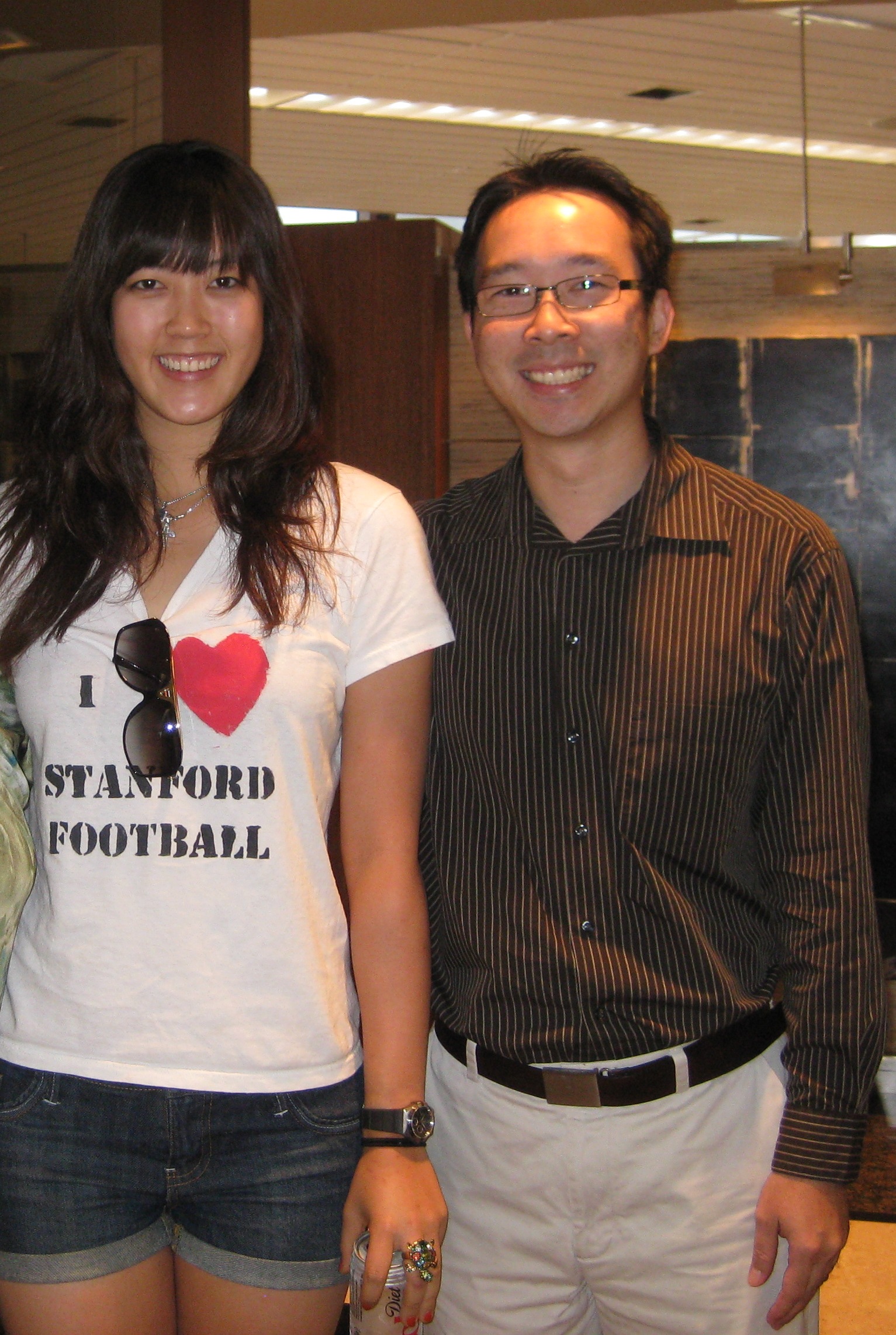
Guess what Hawaii icon is back home in the islands? No, President Obama’s Air Force One hasn’t landed yet, but our Commander in Chief might get a golf pointer or two from none other than Michelle Wie.
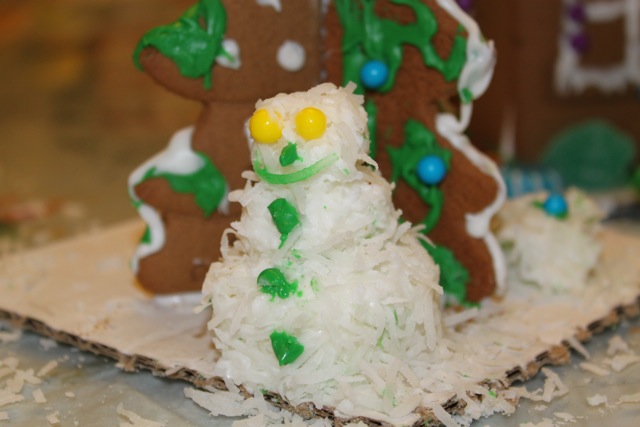
Frosty the Snowman made out of coconut shavings and gingerbread house frosting.
Not quite Daniel Larusso and Mr. Miyagi but the next generation remake of Karate Kid.
Christmas is right around the corner, and if you’re still looking for an awesome gift, look no further than Kin Wah. Their gift certificates are a perfect gift for great, affordable food. Just look at this minute chicken cake noodle. What a yummy gift!
You can even pick up gift cards on Christmas Eve and Christmas Day! No expiration dates for these gift certificates too.
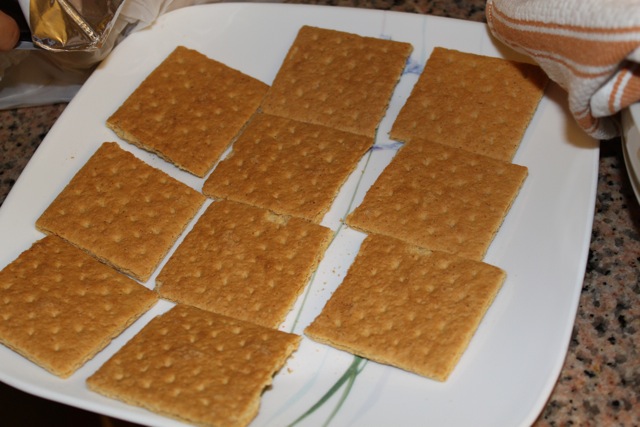
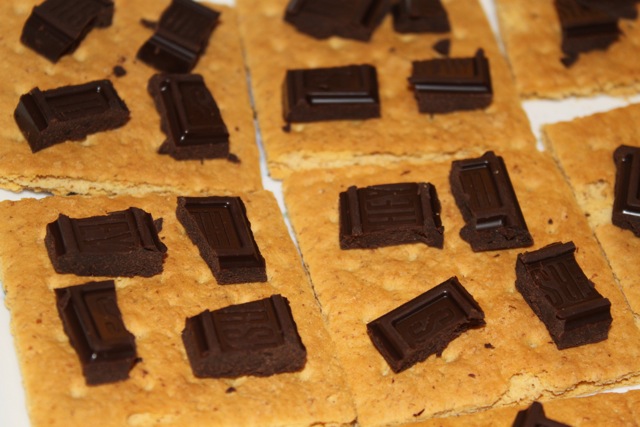
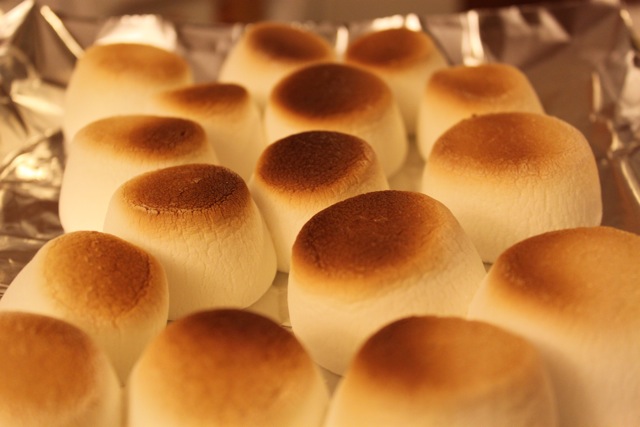
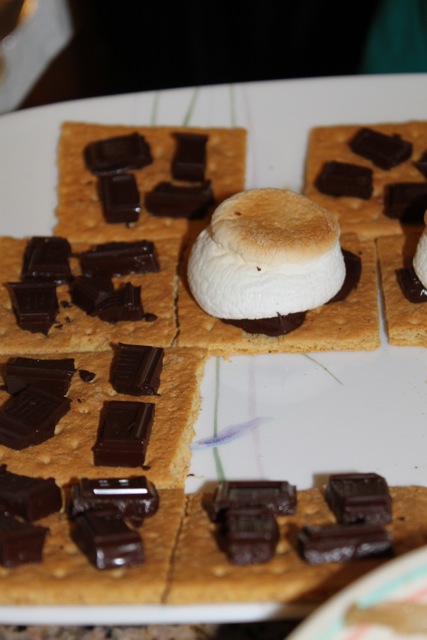
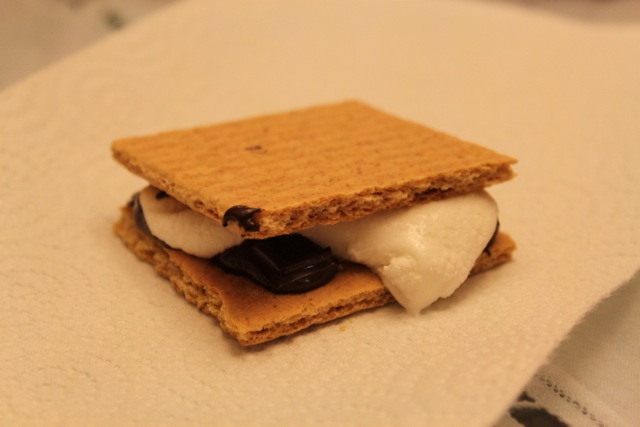
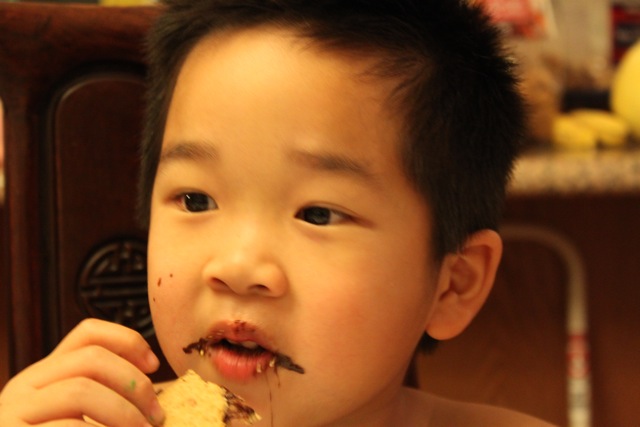
The making of smores in pictures.
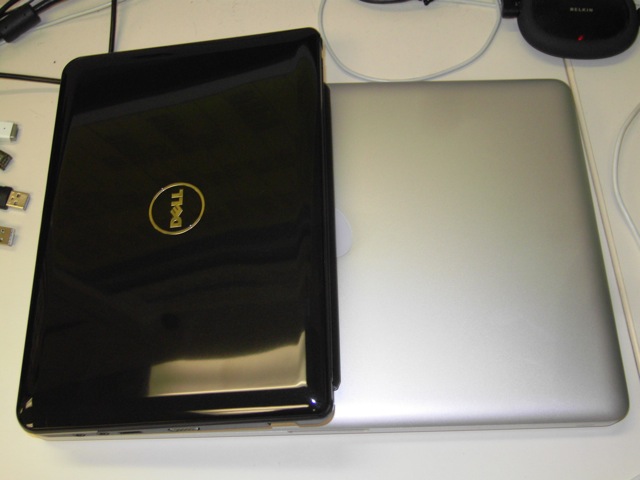
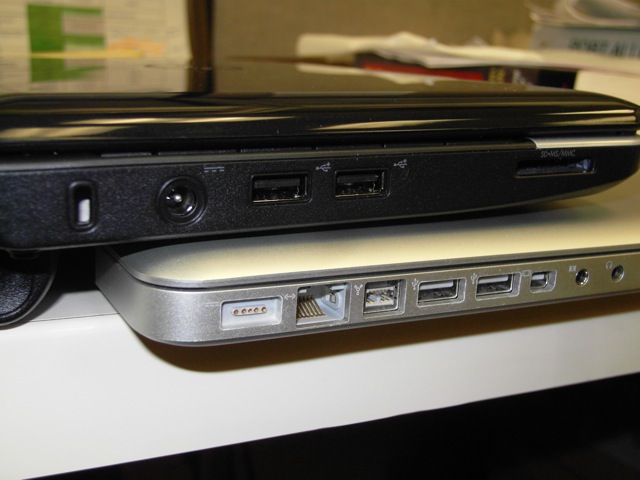
Now that you have a converted heretic, it’s time to lay your hands on your Hackintosh Netbook. The first thing you notice is the Netbook’s small size. The Dell Inspiron Mini 10v is 10 inches wide, 7 inches deep, about 1 inch tall, and weighs 2.5 pounds. Compared to a 15-in MacBook Pro, the Mini looks like this.
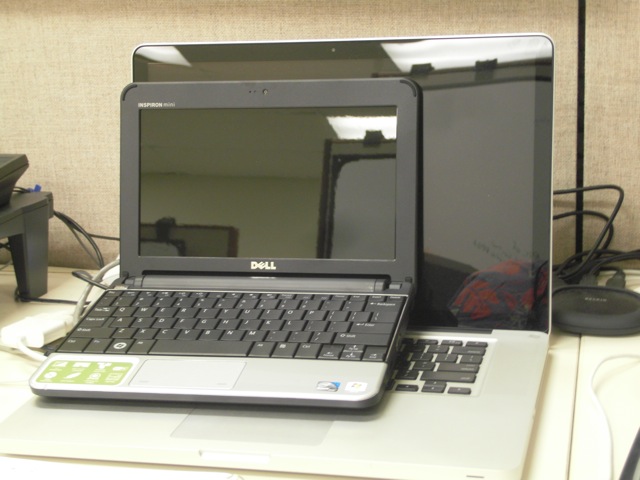
The wide-aspect ratio screen is clear, crisp, and easy to see. The tech specs for the 10-in screen specify a resolution of 1024×600, but in OS X, the display operates at 1280×600. At first, the screen had a purplish hue but after selecting “Inspiron 910 Display” in the Display preference, the colors looked more natural.
With the external VGA port, I was able to mirror and extend my desktop to a second, external monitor. This worked with a Dell 1708FP monitor running at 1280×1024, 60 Hz but couldn’t sync up on a Dell 2408WFP cranking at 1920×1200 (either mirror or extended desktop mode).
A potential limitation of the screen resolution is the minimum needed by Apple’s iLife apps. Apps like iMovie and iWeb want a big screen. While these apps still work, I wouldn’t want to run them exclusively on a Netbook screen unless absolutely necessary.
Even though the Netbook itself is tiny, the keyboard is only a little cramped. You do have to get used to the slightly smaller keys, but really it’s not bad at all. The keyboard is a little “clicky” sounding but types and feels okay. The keyboard layout differs from a Mac with extra keys like a forward delete button. I’m still figuring out the Control, Windows, and Alt key equivalents, trusting in muscle memory. Whatever keystroke machinations I use on the Mac (including Expose functions), work on the Hackintosh-ed Windows keyboard.
This is probably the worst interface element of the Dell. The trackpad works, but I would say it’s far from usable. There is a hack to tame the trackpad and make it more “Mac-like,” but it’s still too uncontrollable for me. I disabled “tap to click” since my finger swipes were interpreted as clicks. Apps in the Doc started firing up, and I kept inadvertently moving icons on the desktop. If at all possible, I’d rather use an external mouse.
All the other hardware components of the Dell Mini 10v are compatible with Mac OS X. Audio sounds good, WiFi and BlueTooth provide wireless connectivity, the webcam works, and so does the integrated SD memory card reader. I didn’t try out the Ethernet RF-45 jack, instead relying on WiFi connectivity.
And yes, Time Machine backups to an external USB drive work great too.