Tiki Island Deal
Buy Kids Meals at the Sam Adams Grill and get free passes for mini golf at Tiki Island.



Okay, I admit that if looking for furniture, I don’t mind going to the Honolulu Design Center. Inspiration Furniture is there along with HDC’s secret weapon, Stage Cafe. Have you tried their goodies?
Their desserts are great, made at the Stage Restaurant. And of course, they serve coffee and espresso drinks. So while you’re not suposed to, you can shop around while sipping on a Triple Mocha. Good food and good drink makes shopping so much better!
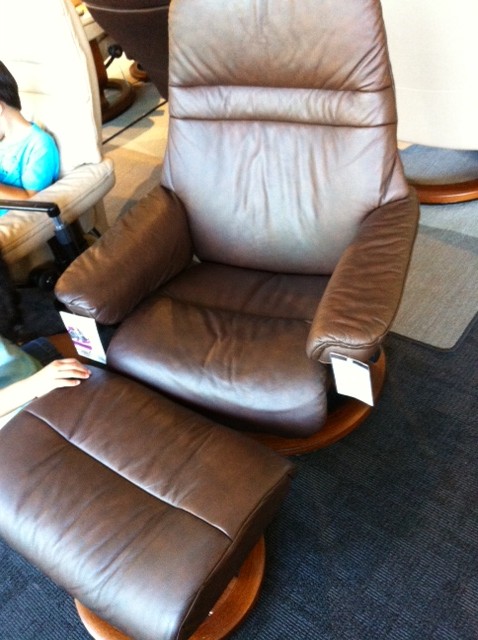
In fact, shopping is so much better, you might even buy an unanticipated Stressless recliner since it includes a stand and a $300 discount on the Sunrise model.
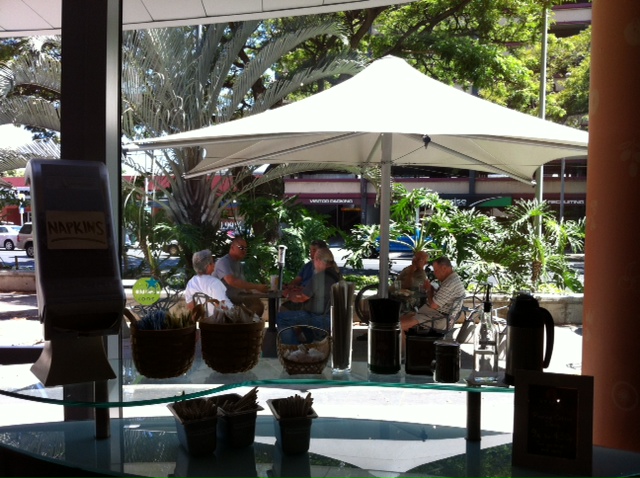
To keep up with their daily specials, follow Stage Cafe on Twitter at @StageCafeHI. As an extra bonus, while sitting in the cafe area, you can people watch these older guys outside. They sit in the unused outside tables under the large umbrellas. They’re playing cards, smoking cigars but do patronize the Cafe by purchasing food and drinks.
Watch this video of the reopening of Disney’s California Adventure Park featuring the new Cars Land.
The crowds must have been crazy! I wonder how long fans camped out to get early entry? But heck, if I was in the area, I’d want to be one of the firsts to see Cars come to life. Looks way cool.

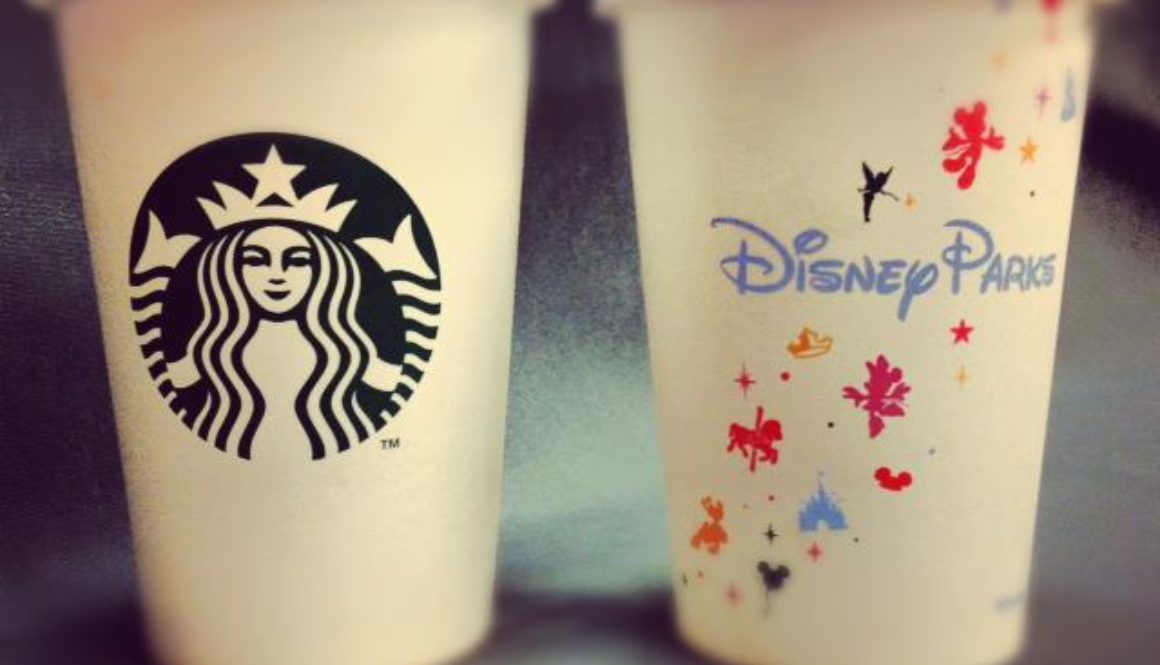
Today marks the opening of Starbucks in Disney’s California Adventure Park. Don’t you need a cup like this?
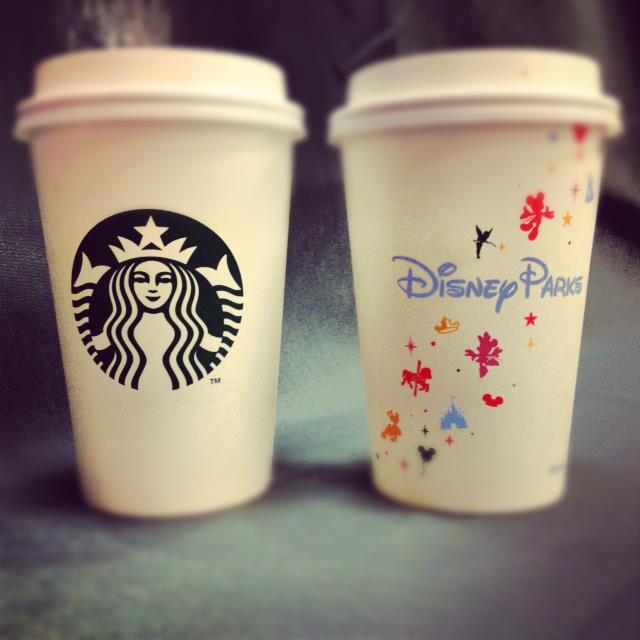
You’ll have to head to the Fiddler, Fifer & Practical Cafe to get your Starbucks fix.
Fiddler, Fifer & Practical Café is the first location ever inside a Disney theme park where you can enjoy refreshing Starbucks coffee and espresso drinks — including flavored lattes, iced coffees and Frappuccino® blended beverages. The café also serves some of your favorite signature Starbucks breakfast sandwiches and pastries.
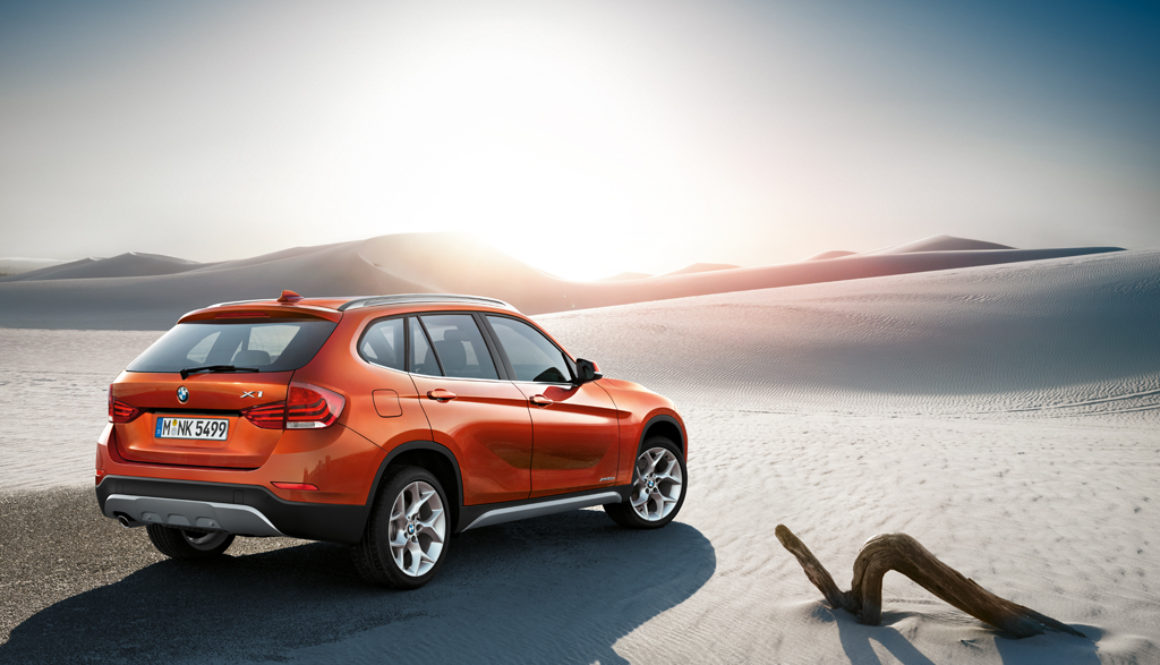
Forget winter, forget war. The BMW X1 is coming…
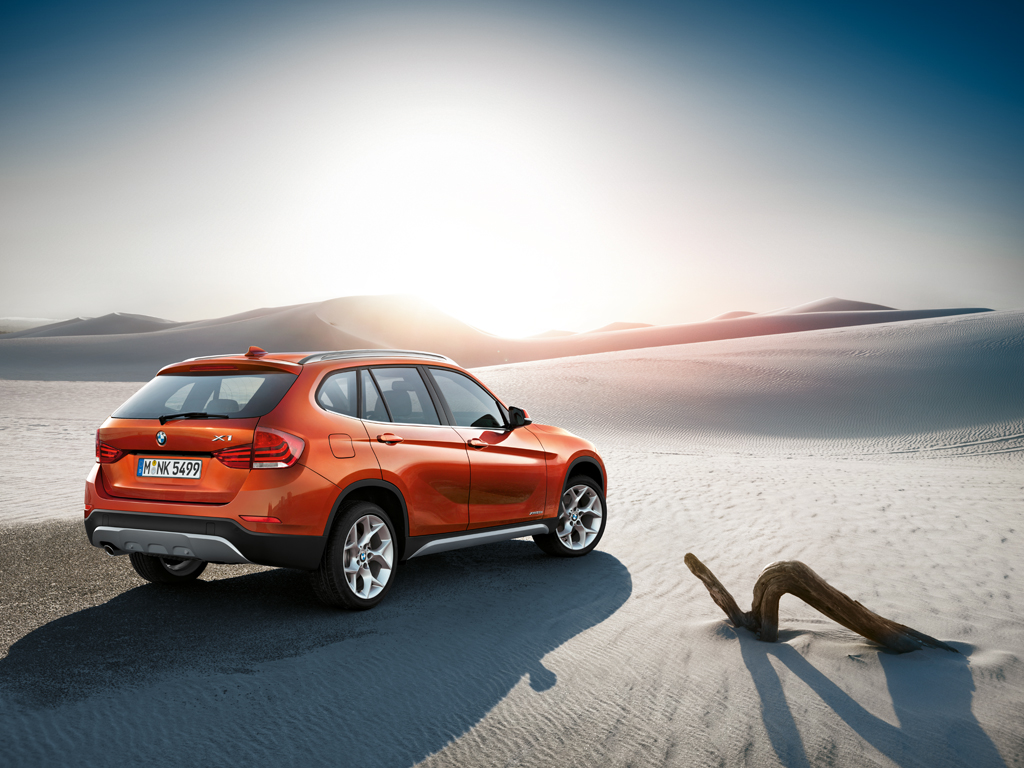
Here’s an interesting article about BMW using social media to promote the new X1.
Next up, taking a look at my Late-2008 MacBook Pro to help figure out which Mac to get.
The latest MacBook Air can have a 13-in screen running at 1440×900 so only loss is in screen real estate. With a 256 GB SSD, I’d still have room to grow, especially if I want to throw a virtual machine or two on the Air.
The single Thunderbolt port would be used up by the Mini Display Port adapter to my external display. Both my current MBP and the Air has two USB ports. Since I’m not using my FW800 port, the lack of FW and a single Thunderbolt port on the Air isn’t a factor (or is it?).
If I want to run some Windows VMs on a limited basis, I’d want to bump up the processor to the dual i7 and the max out the RAM at 8 GB. I may need a USB SuperDrive just because burning discs is still a viable method.
Aw dang, now this could be a problem. I’d want a wired Ethernet connection, but the Air uses a Thunderbolt adapter for this. But the Air has a single Thunderbolt port which I’d use for the secondary monitor. Could I live off of Wifi? I’m happy with my external display and don’t really want a Thunderbolt Display just to break out additional ports.
Or there’s this fluctuating option – the Belkin Thunderbolt Express Dock. The updated (and unreleased) version includes these ports:
But the cost of this well designed device is an eye-popping $399 and is not yet available (expected September 2012). There is another option, the Matrox DS1 Thunderbolt Docking Station. There are fewer ports, but it costs fewer dollars as well ($250).
No extra Thunderbolt, no Firewire, no eSATA compared against Belkin’s product. Seems like one of these Thunderbolt-based docks/hubs would be needed to alleviate the paucity of ports. While the Belkin dock is cool, the Matrox product is good and cheap enough for me.

Check out Entertainment Weekly’s latest cover to see Bella and Edward’s daughter.

Just taking stock of my iMac to help figure out which Mac to get.
Looking at the new MBP with Retina… the stock 256 GB SSD might be an issue. What can I get rid of to fit the stock drive? Do I want my photos or music on another drive, potentially unavailable when I’m mobile?
Might need to buy an external SuperDrive (comes in handy to burn a bunch of pictures to DVD to give to relatives). Wired Ethernet is doable with an adapter taking up a Thunderbolt port but Wifi at N speeds should be good enough.
What to do with the FW400 and 800 drives? Fortunately, these external drives also have (slower) USB ports so that’s an option. Get a Thunderbolt to FW adapter (and use up yet another port)? There are only 2 USB ports on the MBP but then again, I might not be needing my keyboard and trackball with a laptop setup.
How would a Thunderbolt Display affect things? The “umbilical” cords are the Thunderbolt and MagSafe cables, tethering the MBP to the display. Note: a MagSafe 2 adapter would be needed. The Display features another Thunderbolt port, 3 USB ports, a single FW800 port, and a GigEther port. The FW and GigE ports would alleviate those extra adapters. The 3 USB ports mimics my current iMac setup. That still leaves one FW400 port needed (but convertible to USB). At $999, the Thunderbolt Display is an expensive (but gorgeous) dock for a MBP.
I’m in the market of getting a new Mac or two – one for home and one for work. At home, I have a 24-in iMac from 2007. At work, I use a unibody, late-2008 MacBook Pro. While both machines are functional, they are slowing down (comparatively) and over time, have had technical issues.
After Apple’s Worldwide Developers Conference announcement of updated MacBook Airs and MacBook Pros, I was hoping for a new iMac announcement. There was none. Then I got to thinking maybe I didn’t need a desktop form factor after all. I mean what is an iMac but a laptop with a bigger screen.
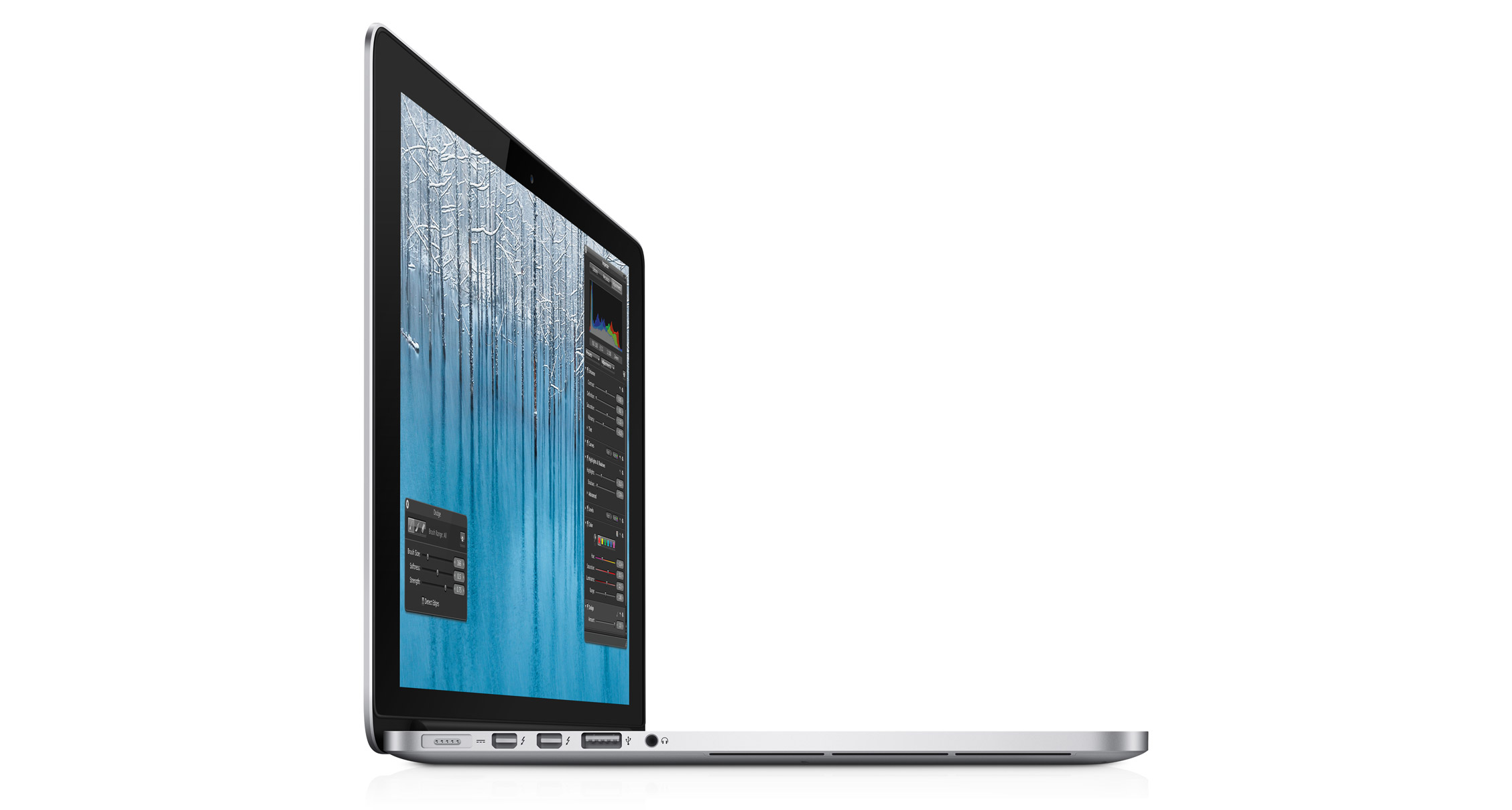 With the Ivy Bridge architecture and quad-core i7 processors, the new Retina display MacBook Pro will be significantly faster than my iMac with Core 2 Extreme processors. My main uses would be blogging, working with photos, and fiddling with videos in iMovie. Right now, working with Aperture, iMovie, and even iPhoto is such a drag, it takes the fun away from using my Mac. I dread having to offload images off a memory card since this will hog my machine for minutes (seriously).
But then comes all my legacy peripherals. I have external USB devices, a Firewire 400 drive, a Firewire 800 Drobo, and a USB 3.0 drive. Would I get a Thunderbolt Display to act as a dock and “Thunderbolt converter?” Does the Thunderbolt display support USB 3.0 and MagSafe 2?
At work, I don’t need as much horsepower since I no longer work with pictures and video as much. It’s more Office productivity, email, and online content creation. Is a MacBook Pro with Retina display needed for these tasks? Not so much. While I do carry around my 15-in MBP, it’s out of necessity, not convenience. Would I want a MBP for home and one for work? That’s kinda silly, but I’m not going to mix work and home stuff so two machines is a must.
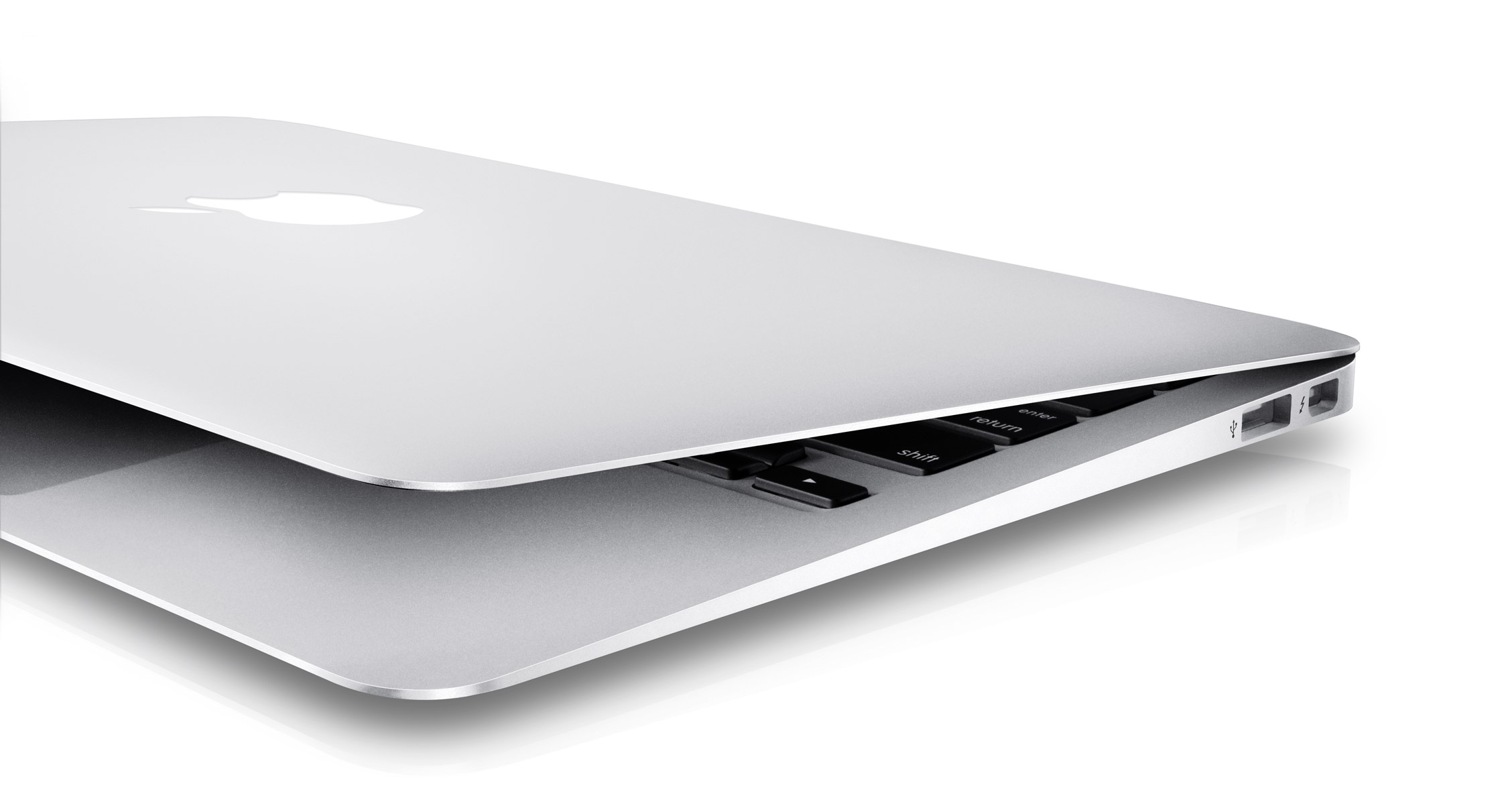 How about a MacBook Air? I love the space of a 15-in screen and am afraid of an 11-in screen, reminding me of the days of my Mac SE. But that 13-in Air should be livable. I’d want to bump up the processor and RAM, but this configuration is attractive. I’d much rather tote an Air in the office, and I wouldn’t feel silly having two MacBook Pros for different functions.
After writing this post, I think I have my plan. 🙂
Watch as track runner Meghan Vogel helps out her faltering competitor finish a grueling race. Just like the Cars’ Lightning McQueen and the King.
The story on ESPN.
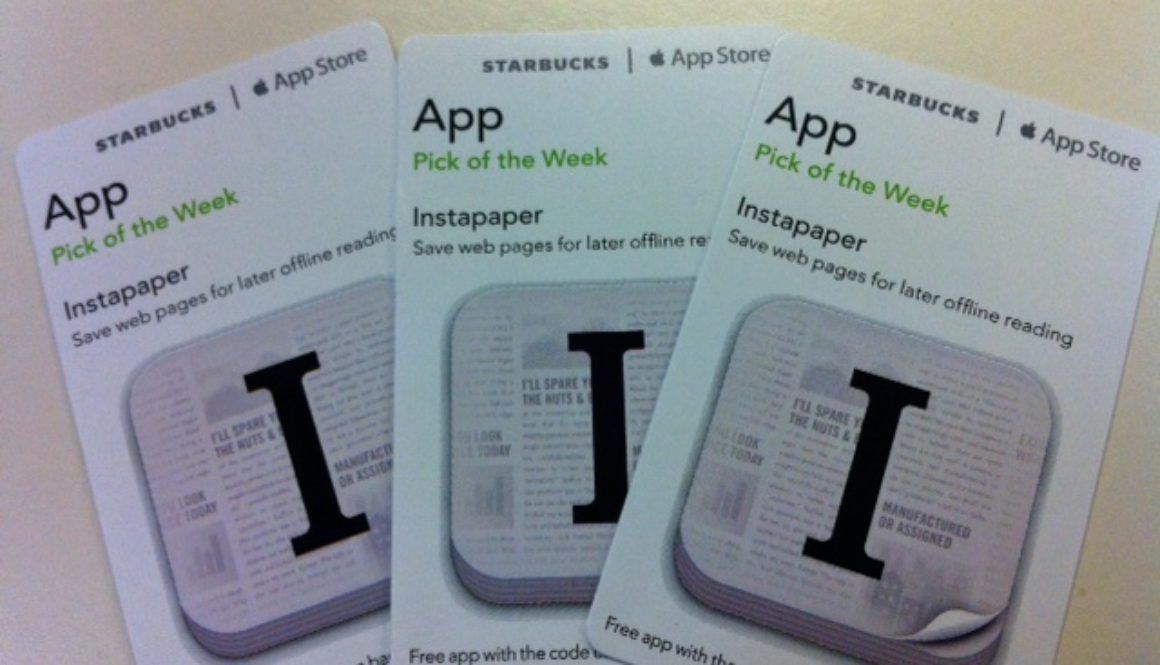
Yoda808 gave me the heads up so I went back to my favorite Starbucks and got myself Instapaper, this week’s app pick of the week. Â Instapaper, the overall service, is awesome. In essence, you can save web pages for offline viewing. But there’s much more. You can share page links easily, view web pages in a stripped down version getting rid of ads and other distracting visuals. You can even configure popular Twitter apps like Tweetbot to integrate with Instapaper.
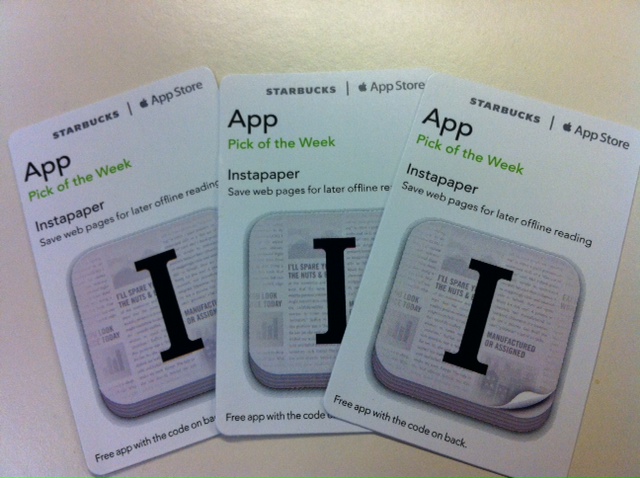
All I’m trying to say, really, is go to Starbucks, and pickup the Instapaper freebie this week. It’s so worth it.