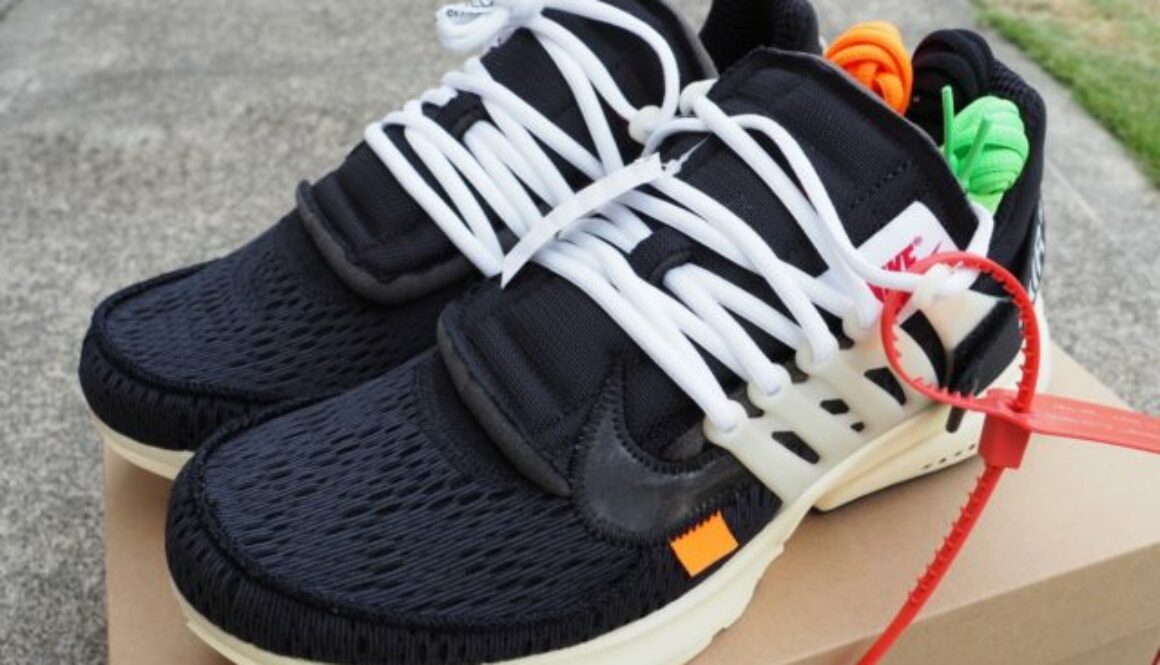
My Greatest Pickup Ever!
Truthfully, I didn’t know what I was getting myself into. On Instagram, I was seeing a lot of images of resdesigned, classic Nike silhouettes with that telltale red zip tie. These images were tagged #offwhite and #theten. Then I learned “The Ten” was a collaboration with designer Virgil Abloh. But as soon as Nike announced the launch of The Ten on the SNKRS app, the hype went into overdrive. Every few hours Nike would release a few models of the Off White collaboration starting with the Presto and ending with the Jordan 1.
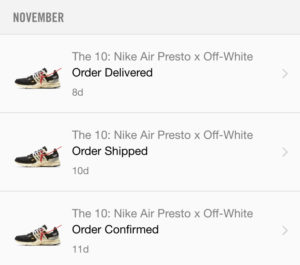 Had to try, right? But also had to expect disappointment when taking the loss. But then I didn’t. Instead of “taking the L,” I got a confirmation from Nike for my Presto order. Despite online ordering delays caused by invalid payment types (yes, my credit card is not a debit card, Nike), my order went through quickly. Too easy so must be a wide spread release I guessed. Then I checked the demand at Stockx and was amazed.
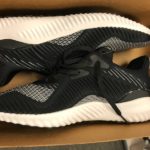
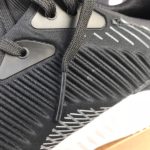
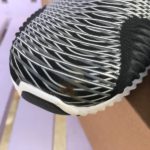
After getting the Prestos, I knew why. It’s the details and the amazing number of details in this collaboration remix.
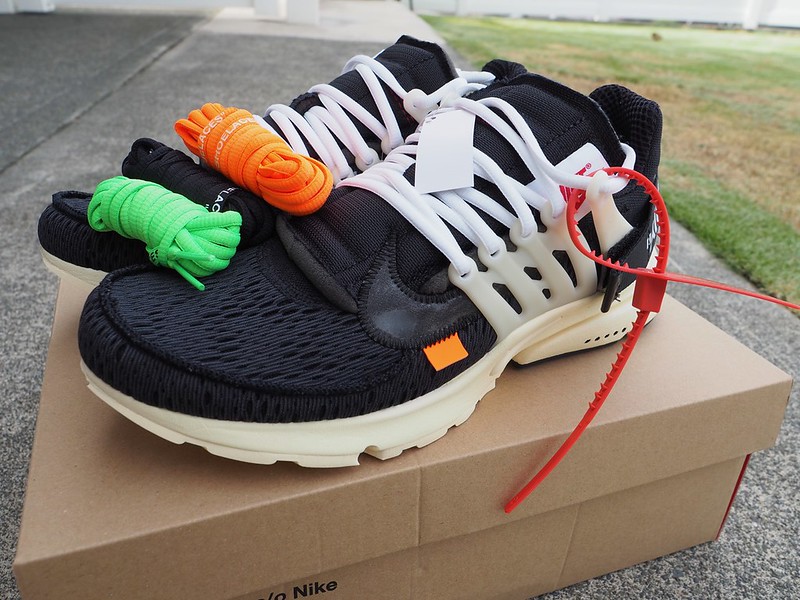 The laces, the stitching, the folds, every aspect of the shoe appears to be tailored to be different yet the same as the classic Presto. I can understand why there’s banter that this model could be one of the top releases of 2017 and easily my greatest pickup. Alas, I didn’t luck out with any other members of The Ten. But these Prestos…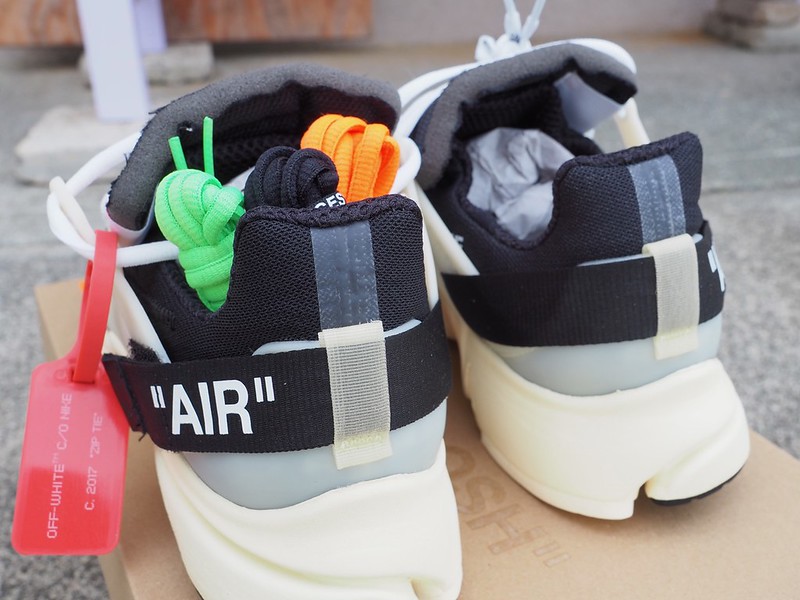







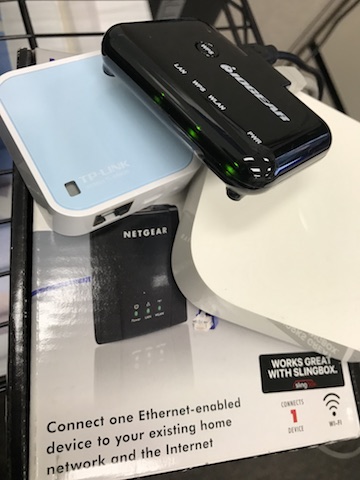
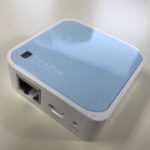 Next up, a coworker had a TP-Link Nanorouter, the TL-WR802N. This inexpensive, tiny white box is very flexible can can function in many networking scenarios like a traditional wireless router, a hotspot router, a range extender, and as a client (client mode is essentially a wifi bridge). The web interface of the WR802N is very thorough with all the options exposed. It took me an extra try to set up Client mode with a static IP, not the default DHCP setting. But then the WR802N didn’t bridge. I could ping the static IP given to the bridge but could not ping or connect to the bridged device. I tried and tried. I even saw posts online describing similar issues but with a fix in the form of beta firmware. After contacting technical support, I was sent an updated beta firmware the next day. Sadly, this didn’t fix my problem. I’m pretty sure I’m configuring the WR802N correctly also testing DHCP settings and connecting to different wifi networks, but no matter what, I couldn’t connect through the device’s wired Ethernet.