Sheila E Still Living the Glamorous Life
Is that right? Did I see the Blaisdell advertising Sheila E is coming to Hawaii? After all the years, Sheila E’s still living the Glamorous Life!
Is that right? Did I see the Blaisdell advertising Sheila E is coming to Hawaii? After all the years, Sheila E’s still living the Glamorous Life!
In July 2009, the family enjoyed the hospitality of the Four Season Lanai, staying at Manele Bay and the Lodge at Koele for a wedding. And who knew the Four Seasons has an active social networking campaign, engaging customers on Twitter and even giving Twitter treats!
In July 2009, the Hawaii State Farm Fair featured a watermelon eating contest which my brother-in-law dominated. Witness.
In July 2009, Pulpconnection had serious technical issues so I upgraded to Dreamhost Private Servers and have been loving it.
In July 2009, Bytemarks presented his informal list of Top 20 Social Media Geeks in Hawaii, and I’m still honored to be recognized.
In July 2009, I saw Jorge Garcia from LOST… again.
Such a busy time was July of 2009. See all the posts from July 2009.
It’s a sad day when you have to retire your kicks from your wardrobe rotation. Even sadder is the day when you have to get rid of unwearable kicks. Such was earlier this week when I said good bye to some favorites.
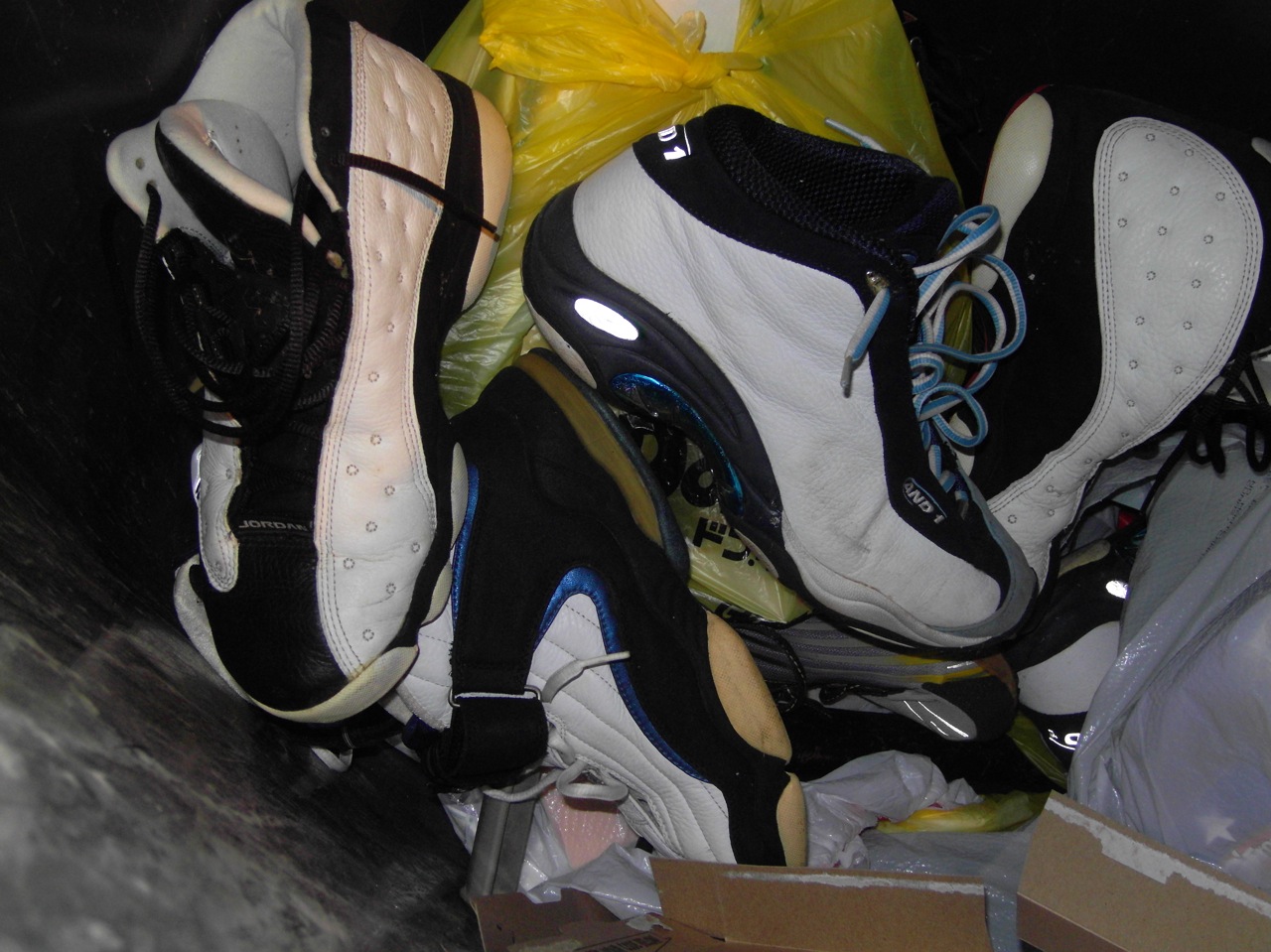
What do you see? Yes, those are the Air Jordan XIII, And1 Tai Chi, Air Max Penny IV, Tuned Air running shoes, and a pair of B&W Air Max Uptempo buried under the rest. And here’s a closeup of another favorite, the Nike 6453, that’s completely falling apart on the underside.
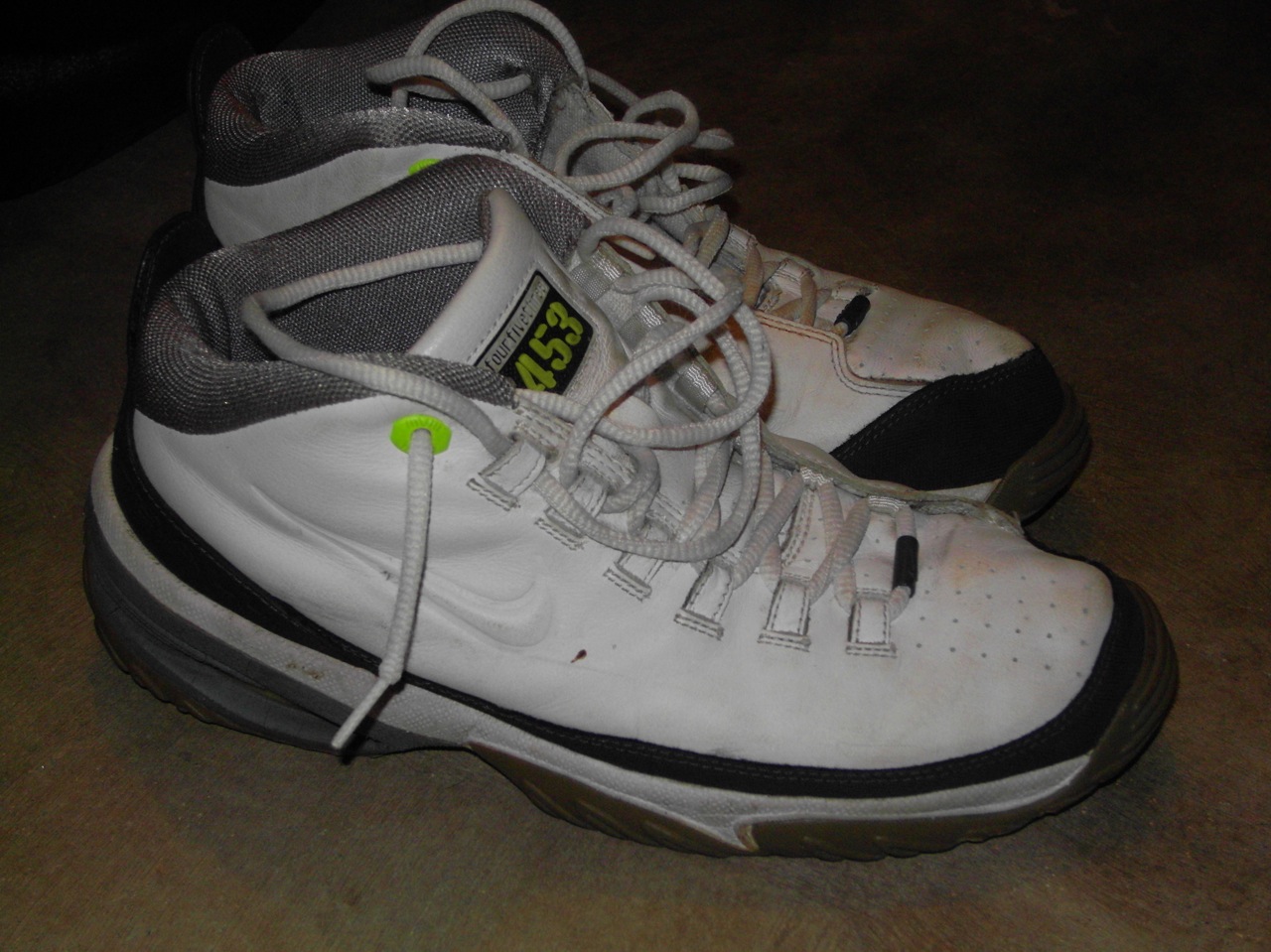
A sad day indeed.
Want to know what was happening at McKinley High before New Directions took the stage? Read Glee: The Beginning to find out.
There’s stats for everything including slacking.

Via: OnlineSchools.org
Doesn’t bode well if your born in the early 80’s working insurance in Missouri. Or perhaps born in the 70’s working in the public sector in Hawaii.
That was easy. Take an activated AT&T GoPhone, an inactivated iPhone 3G, swap SIM cards, and now I got a working iPhone without a long term service contract.
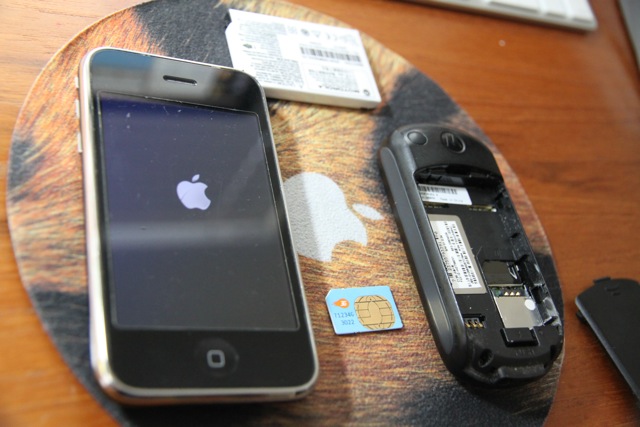
If you want more details, especially on enabling a GoPhone data plan, be sure to read this post, How to: Give Your Old iPhone New Life With Prepaid Data and Minutes. But if all you want is basic voice calls then swapping SIMs is all you need to do. The hardest part might be ejecting the iPhone 3G SIM card. The iPhone 3G came with a special tool for SIM removal but a pushpin or paperclip works too.
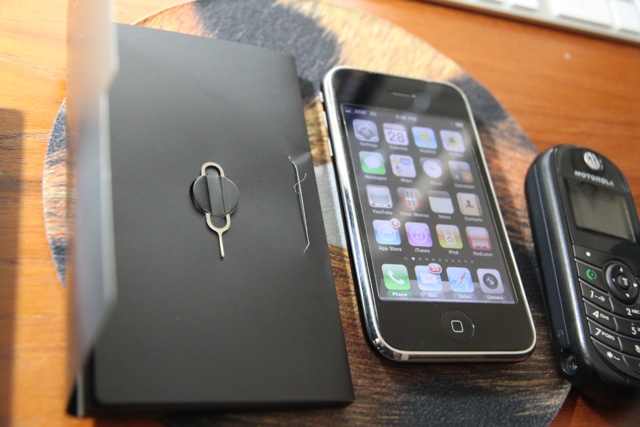
There’s no need to jailbreak your iPhone either. Because I didn’t need data or want to pay for a GoPhone data plan, the iPhone can’t connect to the 3G network, but WiFi is still an option. And of course, all other iPhone functions work as normal like syncing with your Mac.
Look what our local Safeway had in stock, Coffee-mate’s new Honey Vanilla Creme! I’ve been looking for this for awhile, even during my search for epic.

Note to Coffee-mate, you can update your Where to Buy tool and show this product’s hit Hawaii. 🙂
Must be my weak mind or penchant for deals, but I couldn’t resist getting a Western Digital drive that was a featured Amazon deal. What I didn’t know at the time was this drive is a new “4K” EARS drive.
But no matter! With the newest Drobo firmware and software, 4K drives are supported and sure enough, my Drobo recognized the extra storage capacity after a few seconds. So now, my Drobo has EARS.
Looking for an iPhone app to create panoramas? Here are three to check out.
Pano. Snap a picture, turn a bit, line up the guide, snap the next pic, you get the idea. Sometimes lining up the transparent guide is tough, especially in bright sunlight, but the end results are worth it! Here are a few Pano-created panoramas of Lanai.



AutoStitch. Unlike Pano, AutoStitch is a post processing app. You take your pictures beforehand, then run AutoStitch to magically stitch together all your shots. Here’s a panorama of the inside of a C-17 cargo plane.

You Gotta See This. A newcomer to the panorama app space, You Gotta See This brings an artistic flair using a technique called panography. Instead of manually taking stills, you start the camera in You Gotta See This, slowly pan your iPhone 4 across the scene, and let the app go to work. You Gotta See This is for the iPhone 4 only using its integrated gyroscope to track the orientation of the pictures. Here’s an example (click to view larger image):
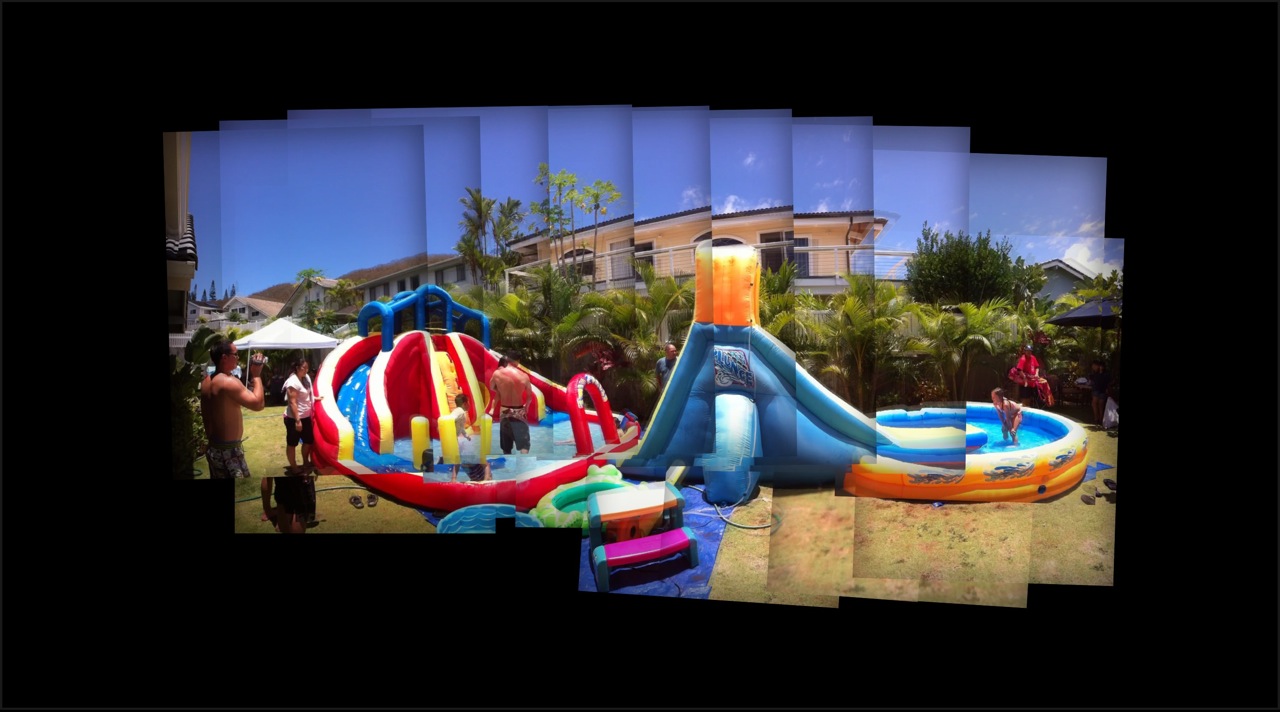
Each app costs a few bucks (Pano $2.99, AutoStitch $2.99, You Gotta See This $1.99). I like the straightforwardness of Pano, but the simplicity of AutoStitch makes it convenient. You Gotta See This is more of a niche product, but when you want visually stunning panoramas, this app delivers. So yes, get all three apps! But if you had to pick, start with AutoStitch and add on You Gotta See This.
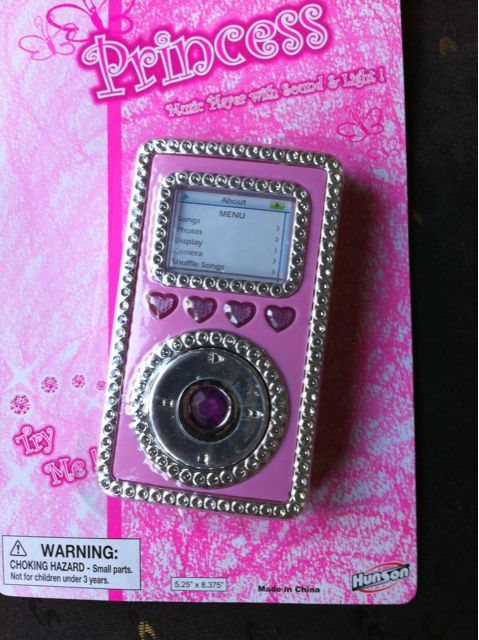
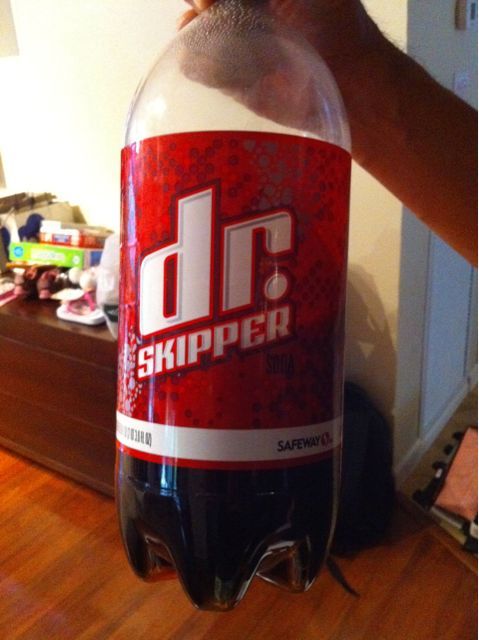
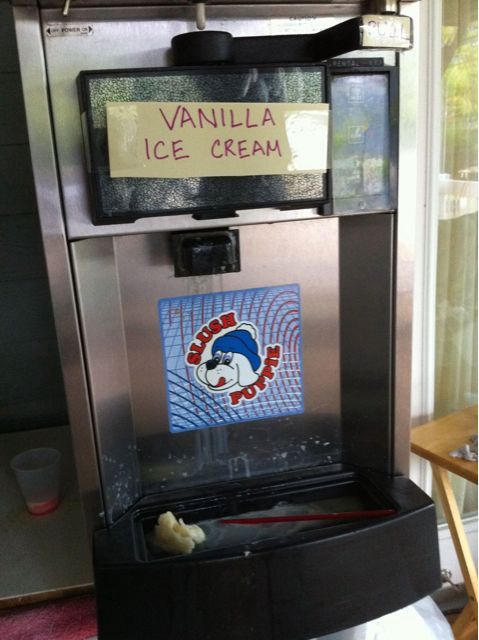
Check out these imitations and knock offs – a princess iPod, Dr. Skipper, and fake ice cream.
You can now apply for a free case to fix the possible antenna issue with Apple’s iPhone 4. You have to download and install the iPhone 4 Case Program app from iTunes to get started.
There’s a limited selection of free cases, mainly in Steve-Jobs-turtleneck black color. Of course, Apple’s basic bumper is available. Here are a few more:
There were one or two more, but once you place your order, the iPhone 4 Case Program app doesn’t let you see the selections any more. And by the way, all cases had a 3-5 week wait. I went with the Griffin Reveal Etch.

Update: I got an email acknowledgment of my case order with a receive date of September 1! That’s a ways away.
More info about the iPhone 4 Free Case Program on MacWorld.